
Searching for a Warrant in Mesa County
There is no statewide portal and no countywide roster here, so a Mesa County warrant search begins with whichever office most likely holds the record. A district or county criminal case belongs to the Mesa County Combined Court. An MCSO record sits with the Sheriff's Records Unit. A city traffic case stays with its municipal court. Use plain facts from your own record: legal name, other names used, date of birth, and a known case or citation number. Mesa County offices answer a specific, identified request. Nothing covers every court and agency at once. Then work each official channel that fits, one office at a time.
- Search the Colorado Judicial docket for the 21st Judicial District and Mesa County as a case lead.
- Call the Combined Court for the official file, court division, appearance date, or warrant question.
- Request an MCSO active-warrant check by signed form, email, mail, or at the Records counter with photo ID.
- Contact Grand Junction, Fruita, Palisade, or De Beque municipal court when the matter began there.
- Use federal court systems for federal matters and confirm all results with the issuing office.
Mesa County Warrant Form Route
The MCSO Open Records Form is the strongest documented Mesa County active-warrant check available to the public. It is a printable request, not a live database. Check the box marked “BACKGROUND AND/OR ACTIVE WARRANT CHECK.” List every legal, married, maiden, and alias name used, and add the name and date of birth. The answer covers records “with this agency” only, which limits it to MCSO files. Email the signed form to so-records@mesacounty.us. Or mail it to Attention Records Request, 215 Rice Street, Grand Junction, CO 81501. Hand delivery works at the Records lobby. Photo identification is required there. The lobby is open Monday through Friday from 7 a.m. to 4 p.m., except holidays. Records also answers at 970-244-3500, option 2. A negative MCSO response does not clear records held by a municipal court, state court, or federal agency. The official Mesa County request screen shows the contact and request fields used for administrative records.
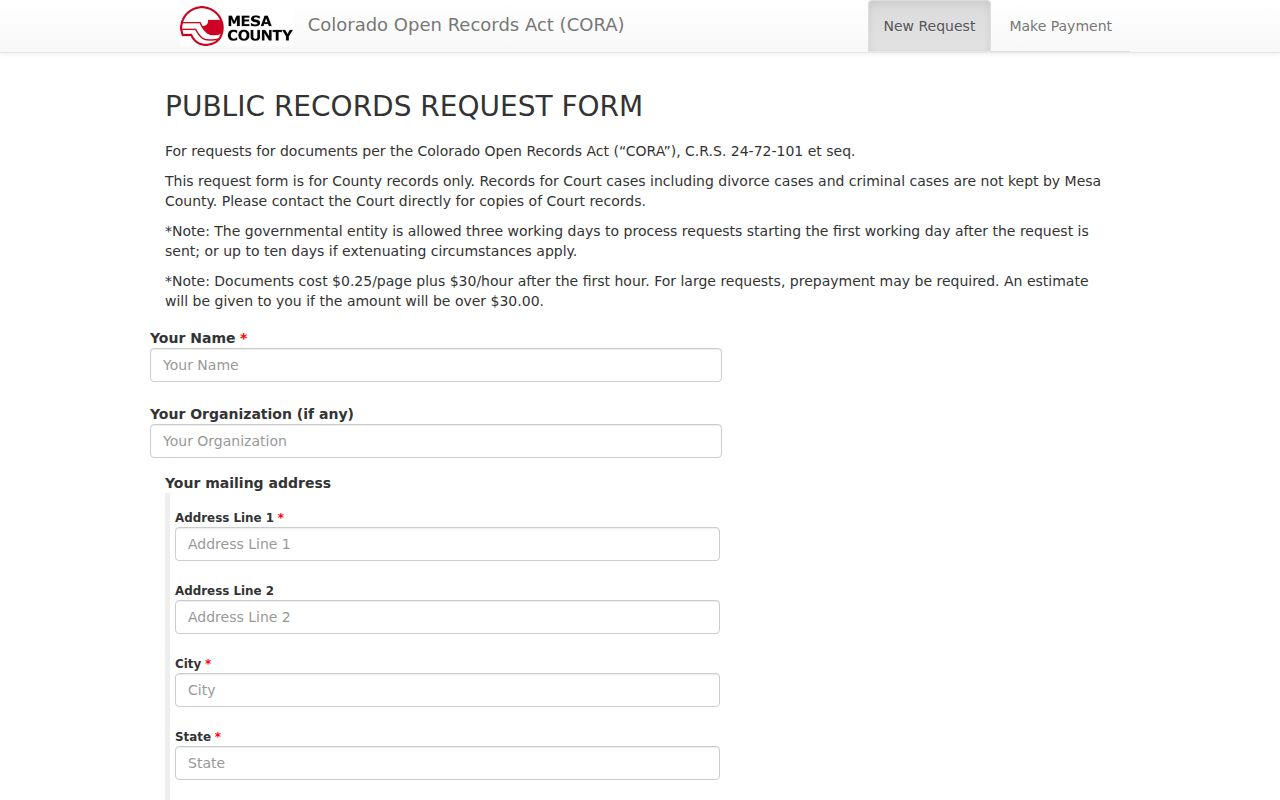
The blank fields show why a Mesa County records request must name a record and a date range. Criminal court files go to the court instead. The separate county records payment page shows its payment fields and a convenience-fee notice.
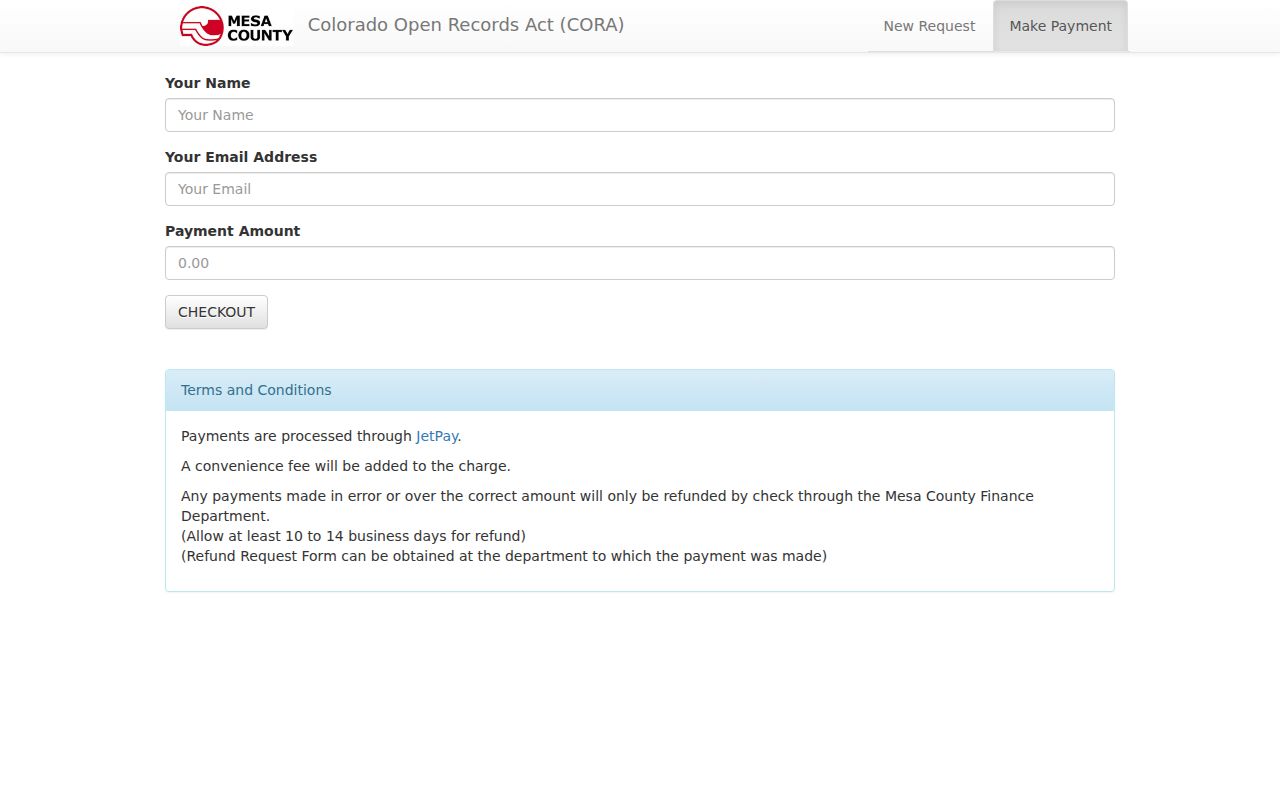
That Mesa County payment screen settles an administrative records invoice only; it cannot pay, recall, or clear a court warrant.
Warrant Search Fields Explained
The MCSO form asks for identity facts, not broad search filters. Every name used matters. A record may sit under an earlier or alternate name. Date of birth separates people with similar names, though it does not widen the agency's Mesa County scope. The form also takes incident facts when a report is sought.
| Field Label | Type | Required | Notes |
|---|---|---|---|
| Name and all names used | Text | Yes | Includes legal, married, maiden, and alias names |
| Date of birth | Date | Yes | Helps staff distinguish similar names |
| Report or incident number | Text | No | Useful for a related MCSO report |
| Who, What, Where | Text | No | Clarifies the event or record sought |
| Signature and photo ID | Verification | Yes | ID is shown and not copied |
Never enter another person's identifiers into a commercial portal. Mesa County's official form is built for an identified request and carries a certification against direct solicitation for financial gain.
Mesa County Warrant Docket Limits
The Colorado Judicial docket search filters by district, county, courthouse, court type, division, date, case number, party, attorney, or bar number. Choose the 21st Judicial District and Mesa County. Use a case number whenever you can. Party-name mode is a useful lead when the number is unknown. A docket event is not a live warrant-status field. The Judicial Branch access guide is blunt about this. Online data is not the official record, may omit cases or case types, and can contain errors or omissions. Ask the original court for a certified answer or copy. County CORA staff keep no criminal case files. The Mesa County Justice Center page lists the state court address, public hours, and contact channel, so sending questions to the county administrative form only adds delay.
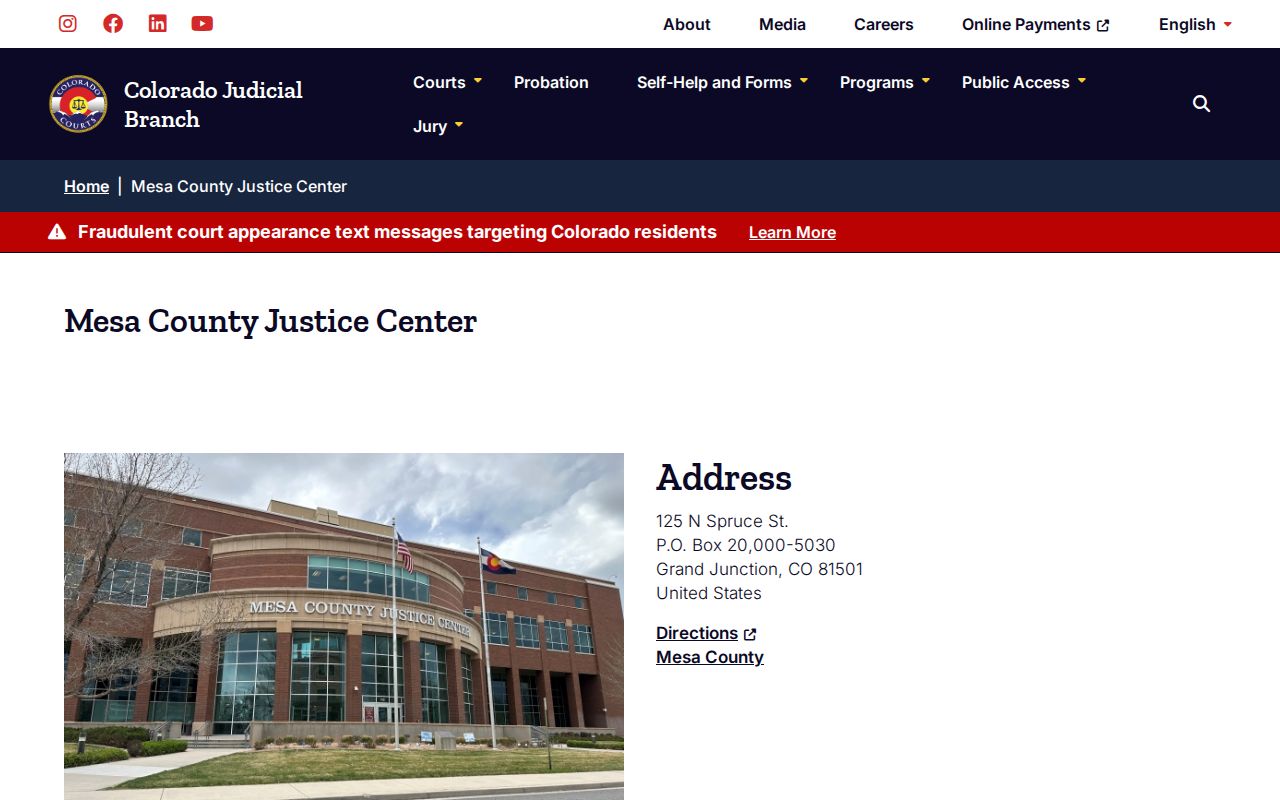
The listing routes court questions to the court. Sheriff records is the wrong counter for them. The Mesa County court page also publishes a court-documents email and an online payment route.
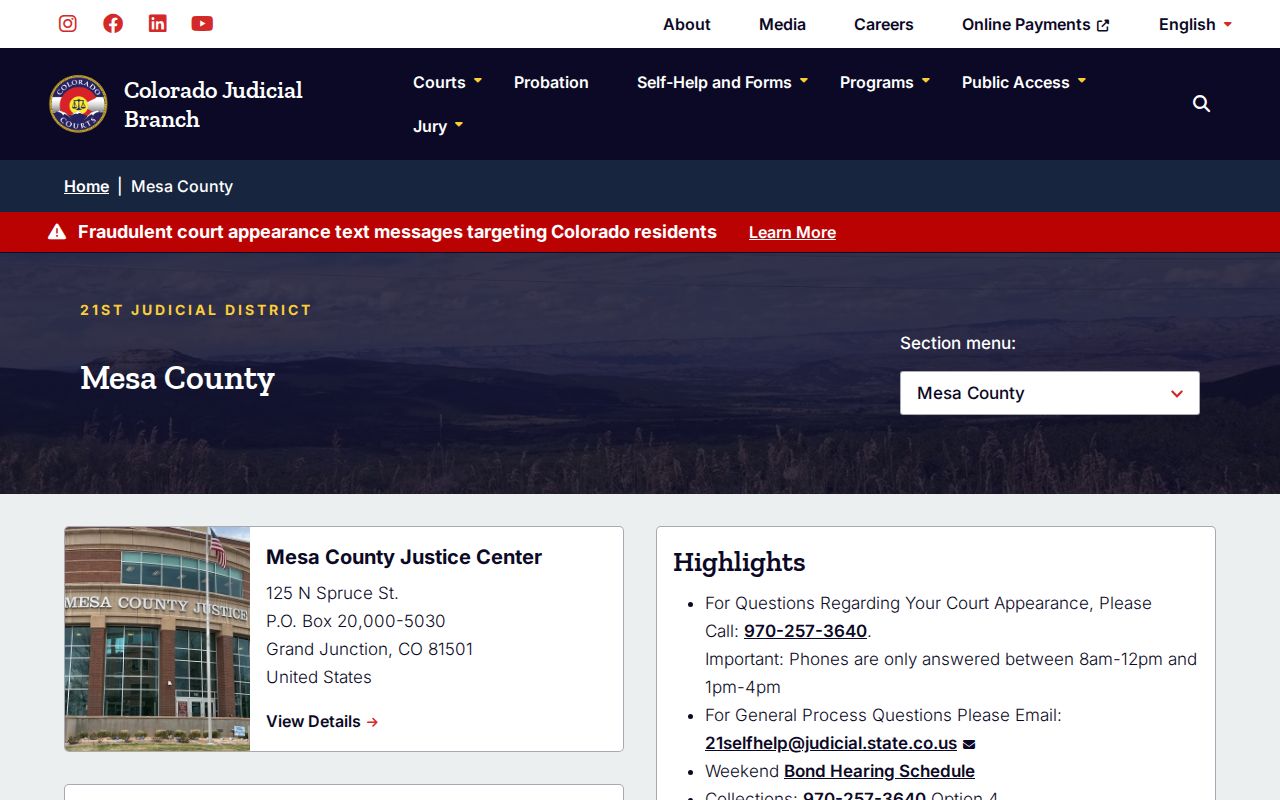
Those links support a case-file request. The Mesa County clerk should still confirm current warrant status and the next required step.
Quick route: Use the docket to find the case and division, then ask the Combined Court to confirm what the official file shows.
What a Warrant Search Shows
An MCSO response in Mesa County looks nothing like a public results grid. Staff mark it fulfilled, denied, or partly fulfilled. The warrant section says either that the agency has no arrest or active-warrant record for the name and birth date supplied, or that it has a record attached. A court file can carry more detail. Access rules still apply.
| Agency result | Whether MCSO found an arrest or active warrant record with that agency |
|---|---|
| Case identifier | A court case number, such as 2026-CR-[sequence], when the court record provides it |
| Issuing court | The district, county, or municipal court responsible for the process |
| Docket event | The event date and type shown as a lead in the court system |
| Bond or status | Information shown only after the proper court or judge acts |
| Access decision | Full, partial, redacted, withheld, or not held by that custodian |
Write down the date checked, source, court, case number, and the staff instruction for confirmation. Mesa County systems can update at different times.
Mesa County Warrant Name Matches
A date of birth sharpens a name match. It still cannot widen an MCSO check into a countywide or statewide search. The form's result language stays deliberately narrow. The same caution applies to the MCSO background-check service. That product is a five-dollar MCSO arrest-record check, and it requires photo ID. It is not a full court warrant lookup. Treat the two as different things. When a name comes back blank, the explanation is usually simple: the record sits with another custodian, the court order is new, access is restricted, or the online docket never exposed the warrant event. Grand Junction's municipal portal offers citation, license, vehicle, name, and business modes. Even so, it works mainly as a citation, payment, and municipal-case lookup. Fruita has no public warrant portal. Palisade's payment portal handles only eligible citations, not every warrant. For any of these cities, the city clerk is the confirmation route. Note: A blank portal result is a lead worth investigating, not proof that no Mesa County warrant exists.
Where to Check Warrants in Mesa County
Who holds the paper matters more than where you ask first. State criminal and traffic cases live with the Colorado District Court, 21st Judicial District, Mesa County and the Colorado County Court, both run through the Mesa County Combined Court, and the Clerk of Court keeps those files. For agency reports, arrest records, and its own warrant-check responses, go to the Mesa County Sheriff's Office Records Unit. City cases sit with each municipal court clerk.
Mesa County Combined Court
125 N Spruce Street, Grand Junction, CO 81501
970-257-3640
State district and county court files, dockets, dates, and orders.
MCSO Records Unit
215 Rice Street, Grand Junction, CO 81501
970-244-3500, option 2
Sheriff agency records and the signed active-warrant check.
Federal warrants stay in federal systems. An MCSO booking can involve a federal agency, but that never turns the federal warrant into a Mesa County court record. For the wider picture of these layers, see the Mesa County warrant records home.
Mesa County Warrant Custodians
Start with the paper in front of you. A state summons, a district case number, or a county court date all point to the Combined Court. A Grand Junction citation points to Grand Junction Municipal Court. A Fruita Police summons could go either way, to Fruita Municipal Court or to Mesa County Court, so read which court the summons actually names. Palisade and De Beque run through their own town routes. When the source is unclear, ask three questions straight out: which court issued the warrant, is it municipal or state, and which office holds the official file? MCSO can answer for its own records, but it cannot stand in for every municipal clerk, and Colorado offers no public statewide fallback that closes those gaps. CBI's Most Wanted program is a curated tip resource, not a full name-search database. That simple custody test prevents a common mistake, because a correct "no record here" answer may just mean the request landed with the wrong records holder.
Restricted Warrants and Access Rules
Not every Mesa County warrant record carries the same public status. MCSO applies the Colorado Criminal Justice Records Act and the Colorado Open Records Act to what it holds. The courts work under CJD 05-01, the Children's Code, criminal rules, statutes, and court orders. Arrest and search warrants, along with their affidavits, may stay closed until execution. Juvenile, sealed, medical, victim, minor, and open-investigation material can also be withheld or redacted.
Key access rules:
C.R.S. 24-72-301 guides criminal-justice records held by MCSO.
C.R.S. 19-1-304 places special limits on juvenile records.
Criminal Rule 55.2 material permits restricted pre-execution access through authorized court processes.
An MCSO response may cite law-enforcement-only databases, protected health material, an open case, contrary public interest, or some other statute or order as its reason for withholding. Ask for the part that can lawfully be released and the proper Mesa County court route. A partial answer is not proof the warrant does not exist.
Mesa County Warrant Search Notes
After each official Mesa County warrant lookup, keep a short log. Write down the date and time, the exact court or agency, the case or citation identifier, and whether the answer came from a docket lead, an agency response, or the official court file. Save any receipt and every new court date. This habit pays off because each system serves a different purpose and updates on its own rhythm. The MCSO blotter carries recent booking and activity material on a rolling 24-hour scope and keeps dated reports for 30 days, but it has no name-search or warrant-status field. The inmate locator shows custody only, and it will not display bond until a judge sets it. Neither tool replaces the records form or the issuing court. If a warrant is confirmed, get legal advice when needed and follow the court's instructions rather than relying on a screen capture.